No recurring app subscription
Keep your field measurement workflow without a recurring MultiFlex Measure app subscription. Compatible measuring hardware is purchased separately.
A field notebook built for your trade
Not another monthly bill.
From floor areas to roof sections, MultiFlex Measure keeps the measurements, trade details and client records your work needs in one practical workflow.
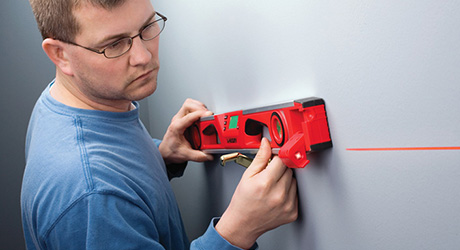
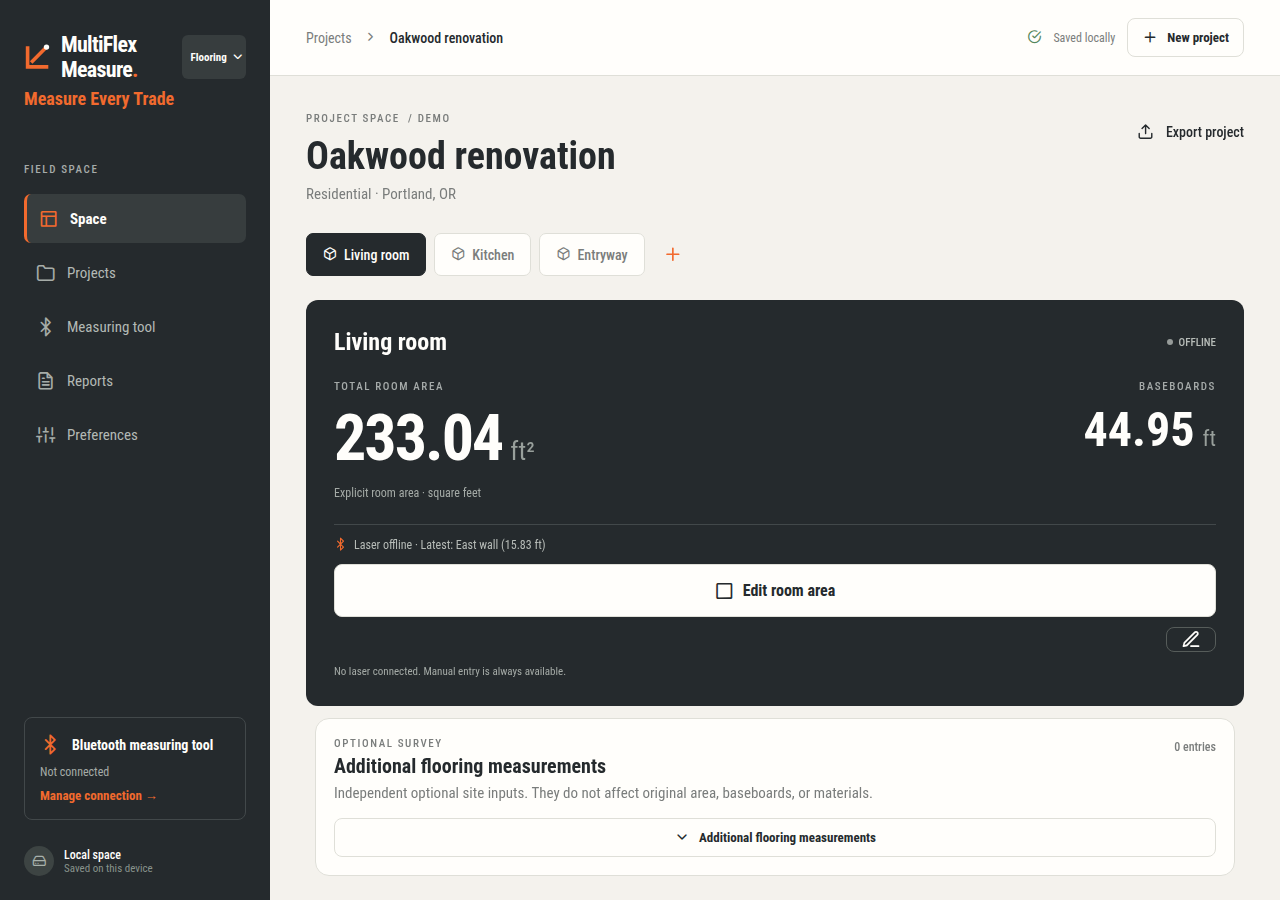


LESS CLUTTER. LESS RETYPING.
The Measures menu changes with the trade you select, showing the relevant inputs instead of every trade's fields at once. Switching profiles keeps your saved records intact.
Flooring uses room areas and independent baseboard runs. Roofing uses roof sections. Each profile presents its practical measurement fields so unrelated inputs do not clutter your work.
Upload the header row of a CSV or Excel intake sheet, review the field mapping and reuse it in Reports. Fill your sheet with job details, manual values or explicitly selected saved readings; templates and rows stay on your device.
Export CSV or Excel in your reviewed column order, then use your CRM's supported file-import workflow. A separate capture audit keeps source, units and reading metadata available for review.
CSV/XLSX header templates—not arbitrary PDF, Word or scanned-form recognition. CRM import depends on the destination system's supported schema; this is not automatic CRM synchronization. Measurements are copied only when you select them, and unlike quantities remain separate.
Keep the detail that matters to your work—from the first reading to the finished project report.
Keep your field measurement workflow without a recurring MultiFlex Measure app subscription. Compatible measuring hardware is purchased separately.
Use roof sections for roofing, room areas and baseboard runs for flooring, and practical inputs for six more trades. Switching profiles preserves saved records.
Keep measured dimensions, areas, linear runs, counts and observations separate. A baseboard length never silently becomes a room area.
Create client and job records, collect measurements offline and keep your personal workspace saved on the device. No team account or automatic project upload is required.
Use optional material-cost estimates and customizable waste settings. Keep measured quantities distinct from purchasing estimates, with trade-specific details.
Export branded PDF reports and CSV or Excel spreadsheets. A project master CSV brings together its saved trade totals rather than hiding other trades.
Attach project notes, photos and sketches, label captures and return to client histories. Keep the site record understandable when someone reads it later.
Choose a country with an offline flag icon and set your language separately. Metric and imperial settings remain under your control. Country references are manual review aids, not legal approval.
Choose the profile that matches the work. One project can retain records from multiple trades.
Room areas, independent baseboard runs, new flooring and tear-out, slab preparation, underlayment, tack strips and material planning.
Roof sections, measured planes, edges, openings and separate slope observations. A roof is not forced into a list of rooms.
Walls, ceilings, openings, measured surfaces and finish details for practical quantity records.
Framing dimensions, segments, counts and site observations. Record the scope without claiming structural design.
Opening and unit dimensions, depth, installation details and observations kept with the job.
Route measurements, device counts and installation observations—not automatic load or circuit design.
Pipe and service runs, diameters, fixture or system records and installation context—not automatic system sizing.
Cabinet runs, units, openings, dimensions and installation context for a clear fit-out record.
Real workflows. Independent measurements. Records saved on your device.
Use the trade selector at the top. Set your region, language and measurement units in Preferences.
Keep customer details separate from the project address. Add rooms, roof sections or the spaces your selected trade needs.
Enter measurements manually, or use a supported Bluetooth tool in the appropriate native build. Add scope fields, sketches, photos and notes.
Open project Details for its saved trade totals. Choose a branded report, spreadsheet or all-trade project master CSV.
A short guide to the trade selector, project setup, measurements, totals and exports.
Meet MultiFlex Measure: a practical measurement notebook for eight trades, with no monthly MultiFlex Measure fees. First, choose your trade at the top, then set your language and region in Preferences. Create a client and a new job, keeping the customer details separate from the project address. Add the rooms, roof sections or trade spaces your work needs. Enter measurements manually, or capture readings from a supported Bluetooth tool in the appropriate native build. Keep areas, dimensions and baseboard lengths independent. Add photos, sketches and notes for context. Open project Details to review saved trade totals, then export a branded report, spreadsheet or project master CSV. Your personal records stay on the device. MultiFlex Measure records your work; it does not certify compliance. Measure every trade, without a monthly app subscription.
These exact-model profiles are implemented or experimental, not hardware-tested guarantees. Match the model and firmware, check the native platform, and compare readings with the tool before relying on them.
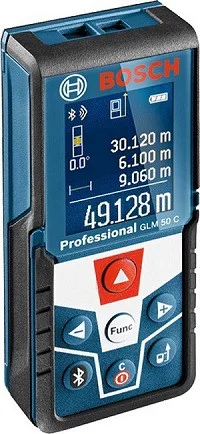
Bosch
Protocol implemented — device testing pending
Implemented native path: Android
Product / model source ↗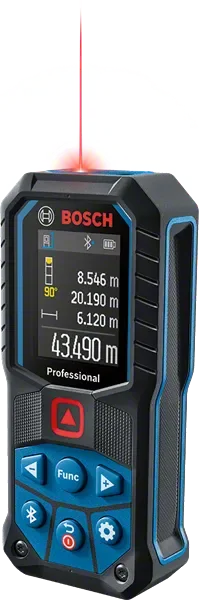
Bosch
Experimental — device testing pending
Implemented native path: Android / iOS
Product / model source ↗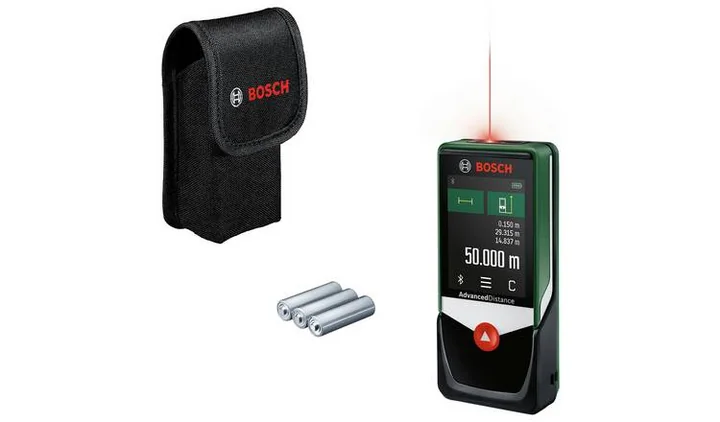
Bosch
Protocol implemented — device testing pending
Implemented native path: Android / iOS
Product / model source ↗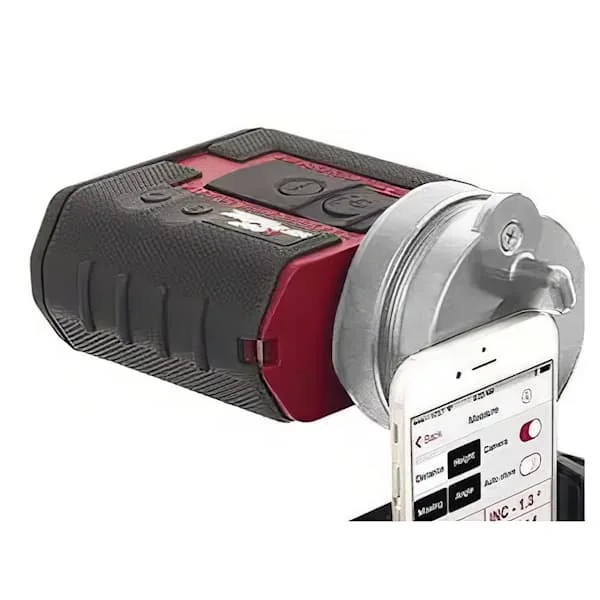
Laser Technology / LTI
Experimental — device testing pending
Implemented native path: Android
Only explicitly reported length is imported; angles and coordinates are not calculated or captured.
200X criterion mode, metres only; only the reported slope distance is imported.
Product / model source ↗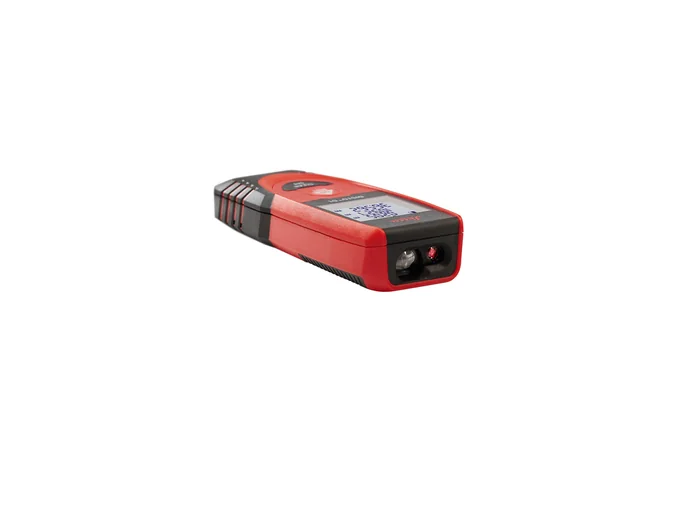
Leica DISTO
Experimental — device testing pending
Implemented native path: Android / iOS
Set the tool to metres and confirm units before capture.
Product / model source ↗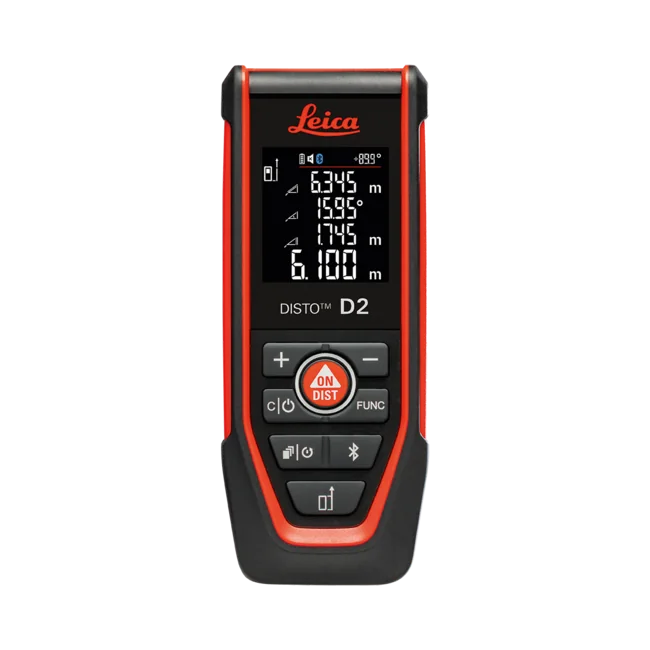
Leica DISTO
Experimental — device testing pending
Implemented native path: Android / iOS
Set the tool to metres and confirm units before capture.
Product / model source ↗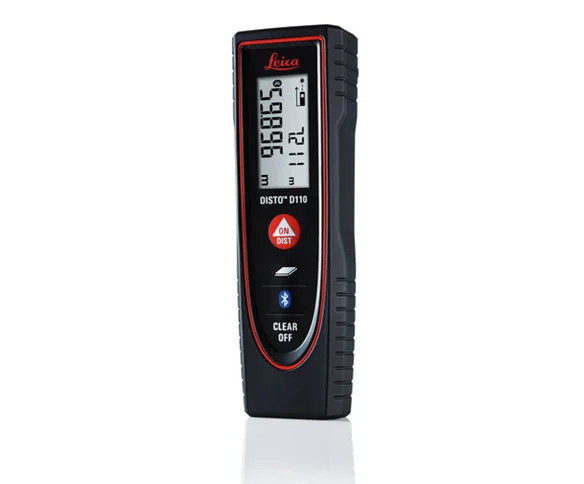
Leica DISTO
Experimental — device testing pending
Implemented native path: Android / iOS
Set the tool to metres and confirm units before capture.
Product / model source ↗Requires a native app build; Web Preview cannot connect. Classic Bluetooth path is Android-only.
View laser models and compatibility →Choose the trade workflow you need, keep your project records local, and export your work without a recurring MultiFlex Measure app subscription. No monthly MultiFlex Measure fees.
Manual entry works without a connected laser. Bluetooth availability depends on the tool model, supported protocol, platform and native build; not every Bluetooth meter is compatible. Measurements and estimates do not certify construction, design or legal compliance. Verify jurisdiction-specific requirements with the responsible authority or professional.
Bluetooth capture requires a compatible tool and the appropriate native app build. Manual entry is available in the web app.
MultiFlex Measure
Personal projects stay local unless you explicitly export them.
Watch the guide